
Sitemize üye olarak beğendiğiniz içerikleri favorilerinize ekleyebilir, kendi ürettiğiniz ya da internet üzerinde beğendiğiniz içerikleri sitemizin ziyaretçilerine içerik gönder seçeneği ile sunabilirsiniz.
Sitemize üye olarak beğendiğiniz içerikleri favorilerinize ekleyebilir, kendi ürettiğiniz ya da internet üzerinde beğendiğiniz içerikleri sitemizin ziyaretçilerine içerik gönder seçeneği ile sunabilirsiniz.
Üyelerimize Özel Tüm Opsiyonlardan Kayıt Olarak Faydalanabilirsiniz
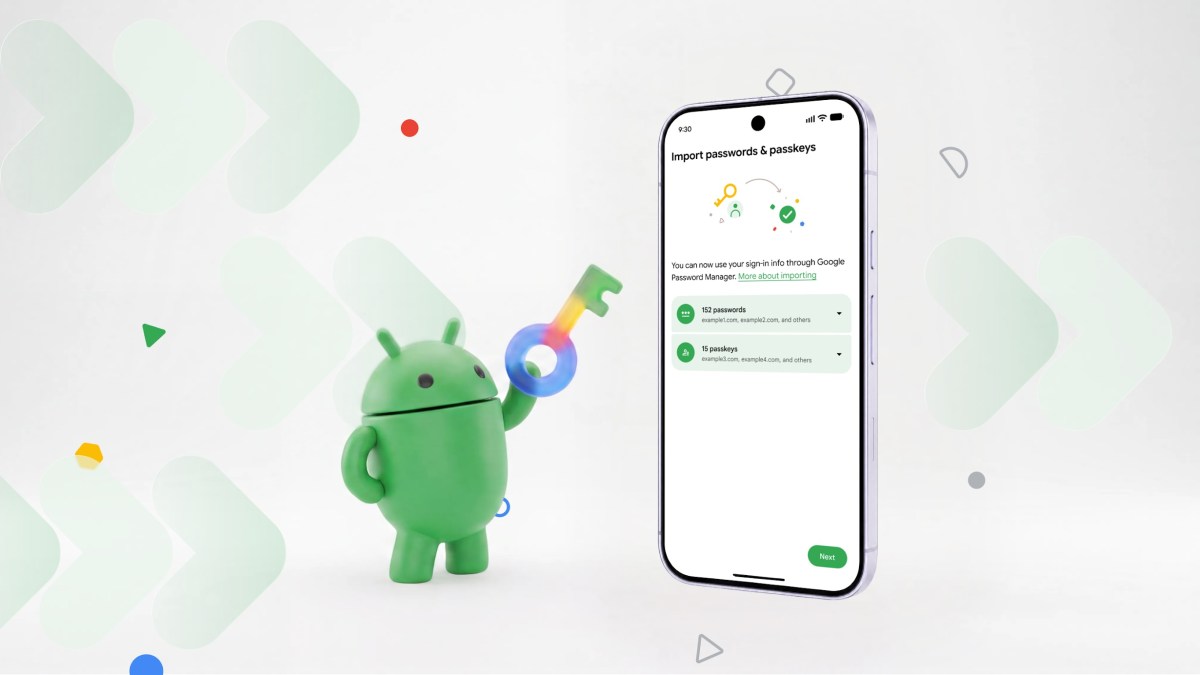
Google has rolled out a new Android feature aimed at making the migration between password managers painless for users. The tool, located in the Settings → Passwords & Sign‑in section, not only moves traditional passwords but also transfers WebAuthn passkeys—cryptographic keys that enable password‑less logins.
The update arrives at a time when many people juggle multiple credential vaults or consider switching to a different service. Previously, moving data required manual exports, imports, and a risk of losing entries. Google’s new utility scans the device for stored login details, associated websites, and mobile app credentials, then automatically migrates them to the chosen manager.
The feature will be available by default on Android 15 and later. Users simply tap “Change password manager” in the settings, pick the desired manager, and press “Transfer data”. Throughout the process, all information is encrypted with Google’s end‑to‑end encryption standards, keeping privacy and security risks to a minimum.
A key highlight is the inclusion of passkeys. These modern authentication tokens are resistant to phishing attacks and streamline the sign‑in experience. With the new tool, passkeys are exported alongside passwords, ensuring a complete handover when a user switches managers.
Security analysts see this move as a push toward broader adoption of secure authentication across the Android ecosystem. By lowering the friction of changing providers, Google hopes to encourage both consumers and enterprise IT teams to adopt best‑in‑class password‑less solutions without the fear of data loss.
In summary, Google’s Android update offers a one‑click solution for transferring credentials and passkeys between password managers, reinforcing the platform’s commitment to a safer, more convenient digital life.
Source: TechCrunch
 ETİKETLER
 BENZER İÇERİKLER
 OKUYUCU YORUMLARI
Google Simplifies Switching Password Managers and Passkey Migration on Android










Yorum Yaz